AI catalogue generation
Catalogue generation turns your garment assets into ready-to-use marketing images: the same piece shown on different poses, backgrounds, and model directions—without a full photoshoot for every variant.
You pick the catalogue type (for example sarees or other dress types), optional backgrounds and instructions, and the poses you need. The system queues a generation job, renders each pose, and saves results you can download or plug into your store and lookbooks.
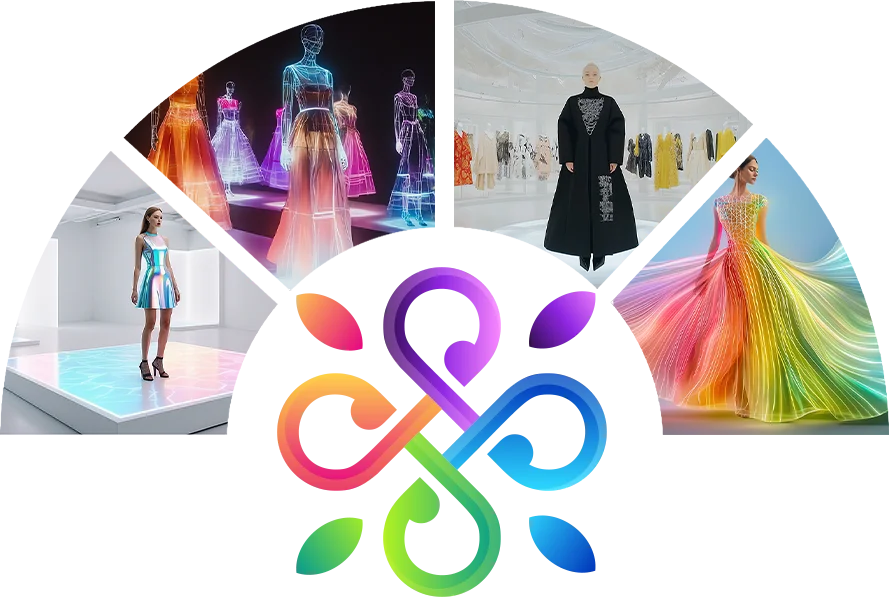
How catalogue generation works
Typical flow in the web tool
1. Garment & settings
Select or upload the garment image, choose model and catalogue options, add any special instructions, and confirm which poses should be generated. Credits and tier (for example standard vs HD) apply per image where your plan defines them.
2. Job & queue
When you start generation, a request is recorded with your choices. The pipeline processes each pose; during busy periods a full batch can take a few minutes. Keep the generation tab open until the job completes or use the status endpoint your integration provides.
3. Results & library
Finished renders appear as image URLs or files in your session. You can group them by garment, re-run poses if needed, and reuse the same catalogue setup for consistent branding across products.
What you get
Multi-pose catalogue
One garment, many angles—ideal for PDP galleries, ads, and social crops without reshooting the product.
Controlled look
Instructions and background choices steer draping, lighting mood, and catalogue style so outputs stay on-brand.
Retail-ready output
Use generated images next to—or together with—virtual try-on flows so customers see both studio catalogue shots and personalised try-on views.
Contact
Questions about catalogue generation or your account?
Email support@aivastra.com or return to the homepage.